
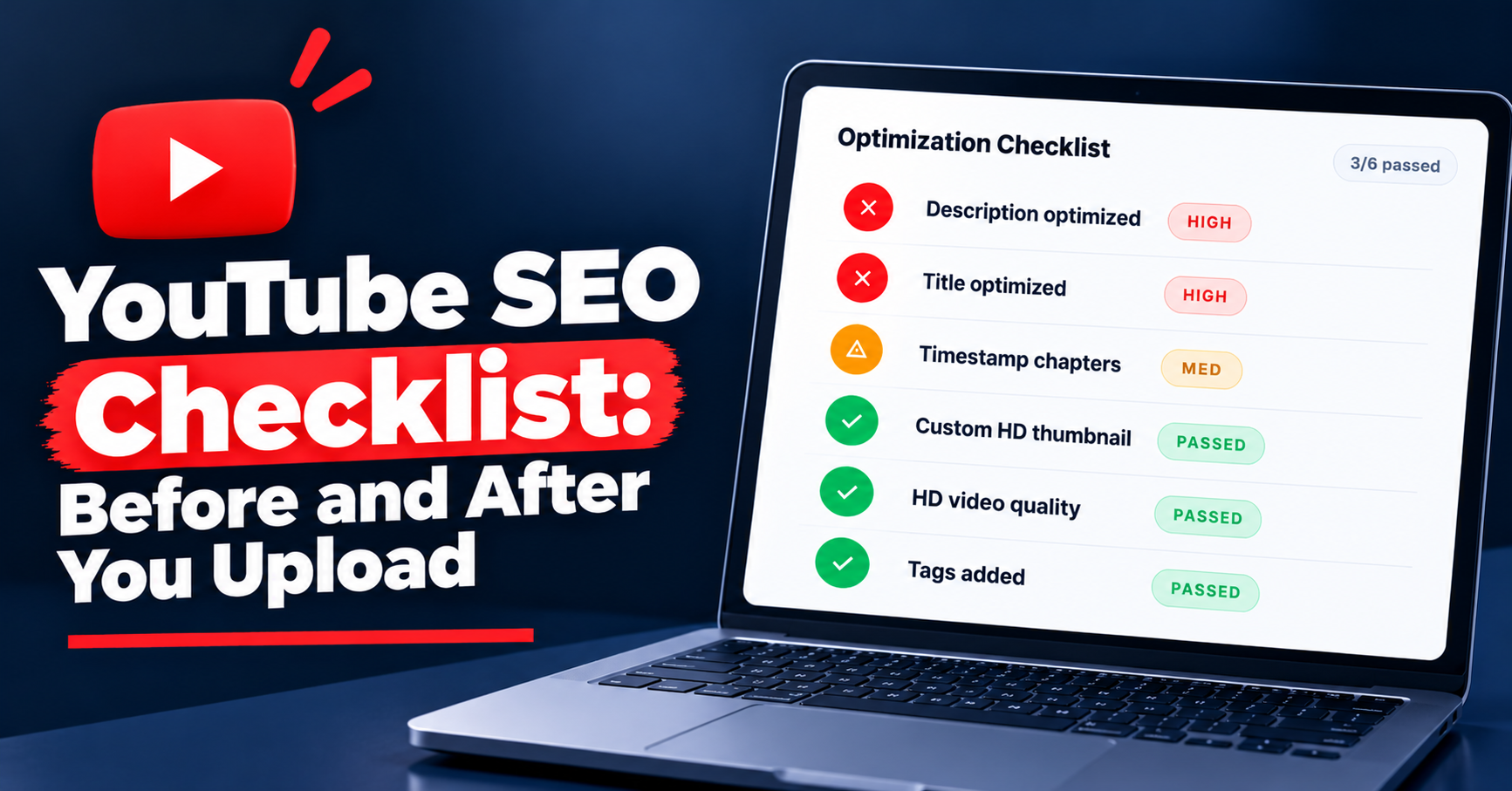
YouTube SEO Checklist: Before and After You Upload
Quick Answer
A YouTube SEO checklist has eight items. Before you upload: pick one search query, put it first in the title, repeat it in the first two description lines, add a few specific tags, and make a thumbnail that matches the title. Add chapters and reviewed captions. After you publish: run an SEO check, fix the list, re-run.
"I never know if I forgot something before I hit publish." If that is you, you are not disorganised — the upload screen has a dozen fields and no order, and nothing tells you which ones matter for search.
The reassuring part is that the misses are nearly always the same five things: a title written for you instead of the searcher, a description that buries the query, tags typed in a hurry, a thumbnail that says something different from the title, and never checking the video once it is live.
This YouTube SEO checklist is built to be saved, not read once. Each item is a line or two plus a link to the post that explains it fully. Work through it before you upload, then run the last section after you publish.
Before you film: the keyword
Every video needs exactly one search query it is built to answer, chosen before you record. The query decides the title, the first lines of the description and the tags, so choosing it afterwards means retrofitting all three.
☐ One query per video. Two topics in one video means two half-matched titles. Split it or pick one.
☐ Confirm it in autocomplete. Type the phrase into YouTube's search box. If it does not appear as a suggestion, people are typing something else — use their words.
☐ Write the query down. Keep it next to you while you write the title and description so the exact phrase survives into both.
How to choose between candidate phrases is its own post — find the right keyword — and the YouTube keyword tool shows related phrases so you can compare them before you commit.
Title checklist
The title is where YouTube matches the video to the query and where the searcher decides whether to click, so it carries more weight than every other field combined. Five checks.
☐ Query first. The search phrase appears in the first few words, not after a dash at the end.
☐ Under about 60 characters. YouTube allows up to 100, but long titles are cut off in many search and suggested placements. Keep the whole meaning in the first 60.
☐ No clickbait mismatch. The title promises exactly what the video delivers. A title that over-promises wins the click and loses the viewer in the first minute.
☐ Readable on a phone. Say it aloud. If it needs a second read, simplify it.
☐ Matches the thumbnail. Title and thumbnail should say the same thing in different ways — words in one, picture in the other.
For the title patterns that repeat across videos people actually click, read the viral YouTube titles formula. If you are stuck, the title generator drafts options around your query so you are editing instead of staring at a blank field.
Description checklist
The description's first two lines are the only part most searchers see, so they do the SEO work; the rest is for the viewer who scrolls down.
☐ Query in the first two lines, in a natural sentence that says what the viewer will get.
☐ Links after the first lines, not before them — a URL in line one pushes the query below the fold.
☐ Timestamps for anything over a few minutes (see chapters below).
☐ No stuffing. Repeating the query five times or pasting a block of keywords is against YouTube's spam policies and reads as spam to viewers too.
The full structure — what goes in which paragraph and why — is in how to write the description. The Description Writer produces a first draft from your title and query that you then edit.
Tags
Tags are a small supporting signal, not the lever creators think. The title and the first lines of the description carry the query; tags help YouTube handle spelling variations and closely related terms. Three checks and move on.
☐ Relevant. Every tag describes this video, not your channel in general.
☐ Specific. The query, its common misspellings, and two or three closely related phrases.
☐ Few. A handful of accurate tags beats a wall of loosely related ones; tag stuffing is against YouTube's policies.
What tags do and do not do in 2026 is covered in our post on tags; the Tag Generator suggests variations from your title so you are not guessing spellings.
Thumbnail and the click
A video can be matched to a query and shown in search and still go nowhere if nobody clicks it. The thumbnail is the half of the click the title cannot do alone.
☐ Matches the title. Same promise, shown rather than said.
☐ One focal point. The eye should know where to land in the first instant.
☐ Readable at phone size. Shrink it to the size of a tile in a feed. If you cannot read the text, cut words.
☐ Different from the results it will sit beside. Search your query and look at the row.
Design principles live in how to make a thumbnail that gets clicks. Before you upload the image, score the thumbnail for the design problems you have stopped seeing — small text, no focal point, low contrast.
Chapters and captions
Chapters and captions do not carry the query the way the title does, but both make a long video easier to navigate and easier to watch, and both are quick to get right.
Should I add chapters to every video?
Add chapters to any video long enough to have sections — roughly anything over a few minutes. YouTube's rules are specific: the first timestamp must be 00:00, you need at least three timestamps listed in ascending order, and each chapter must be at least ten seconds long. Type them into the description one per line, and your list overrides YouTube's automatic chapters. A one-minute video does not need them.
Do captions help YouTube SEO?
Captions help viewers — people watching without sound, viewers in a second language, and anyone who is deaf or hard of hearing — and YouTube does not document any search-ranking effect from them. Treat them as a quality item, not an SEO trick. YouTube's automatic captions are produced by speech recognition and vary in accuracy, so the checklist item is simple: open them in YouTube Studio and fix the mistakes before you publish.
☐ Chapters: 00:00 first, three or more timestamps, each ten seconds or longer.
☐ Captions: reviewed and corrected, especially names and technical terms.
After publish: score, then update
The last item on any YouTube upload checklist is the one most creators skip: check the finished video the way a searcher will meet it, and fix what the check finds. This is where YouSEO comes in. YouSEO is an AI-powered YouTube growth toolkit that helps creators plan, create, optimize, analyze, and grow a YouTube channel — all in one app.
☐ Run the check. Paste the published URL into the YouTube SEO Checker and read the fix list. The step-by-step is in how to check YouTube SEO.
☐ Fix the title first, then description, tags, thumbnail — in that order.
☐ Run it again and confirm the items cleared. For what the number itself tells you, read what the score means.
☐ Revisit old videos that still get impressions. Once a month, run the check on the ones YouTube is still showing. Those are the videos a title fix can still move.
If a video fails several items at once, do not patch it line by line from this checklist — follow the full YouTube video SEO walkthrough, which takes the fields in order.
YouTube SEO best practices that are not myths
Five YouTube SEO best practices hold up in 2026 because each one follows from how search works, not from a trick. No hacks, no stuffing, no bought anything.
1. One query per video, because a title can only match one search well.
2. Title-first packaging, because the title is where the match happens — fix it before you touch anything else.
3. The query in the first description lines, because those are the lines searchers and YouTube actually read.
4. A thumbnail that matches the title, because a mismatch wins the click and loses the viewer, and a lost viewer costs the position. Our post on how to stop viewers clicking away in the first 30 seconds covers the other half of that problem.
5. Re-checking published videos, because queries drift and the videos still getting impressions are the cheapest ones to improve.
All five are explained in depth, with how YouTube uses each field, in the YouTube SEO guide.
The YouTube SEO checklist on one screen
Save or screenshot this table. Each row links back to the section above and to the post that owns the detail.
| Item | Before or after upload | The check | Owner page |
|---|---|---|---|
| Keyword | Before filming | One query; confirmed in autocomplete; written down | Keywords post · keyword tool |
| Title | Before upload | Query first; under about 60 characters; matches thumbnail; no mismatch | Titles-formula post · title generator |
| Description | Before upload | Query in first two lines; links after; timestamps; no stuffing | Description post · Description Writer |
| Tags | Before upload | Relevant, specific, few | Tags post · Tag Generator |
| Thumbnail | Before upload | Matches title; one focal point; readable at phone size | Thumbnail post · Thumbnail Click Score |
| Chapters | Before upload | 00:00 first; three or more; ten seconds or longer | This post (Phase 2 post to follow) |
| Captions | Before or just after | Automatic captions reviewed and corrected | This post (Phase 2 post to follow) |
| SEO check | After publish | Run the check; fix title first; re-run; revisit monthly | How to check · What the score means |
Frequently asked questions
What should a YouTube SEO checklist include?
Keyword, title, description, tags, thumbnail, chapters and captions, then a post-publish check.
What are YouTube SEO best practices in 2026?
One query per video, title-first packaging, the query in the first description lines, a thumbnail that matches the title, and re-checking published videos.
Do YouTube tags still matter for SEO in 2026?
They are a small supporting signal, not the lever creators think. The title and the first lines of the description carry the query; tags help YouTube handle spelling variations and closely related terms. The checker scores tags, but if your title is wrong, fixing tags alone will not move the video.
Can I check a video's SEO before I upload it?
Yes. Type the draft title and description into the checker and run it the same way you would for a published video. Fixing the title and description before you publish is easier than rescuing a video after it has been ignored in search.
What is YouTube SEO?
YouTube SEO is the work of packaging a video — its query, title, description, tags, and thumbnail — so YouTube can match it to what people search for and show it to them.
Do this this week
Run this YouTube video SEO checklist on your next upload before you press publish — all seven before-upload items, in order. Then open your single most-viewed older video and run the after-publish section on it: paste the URL into the checker, read the fix list, change the title first, and run it again. One new video, one old video, one evening.